Night of Frights › Host guide
A step-by-step guide for the host
How to Host a Halloween Game Night at Work
Got asked to “organize something for Halloween”? A team trivia game is one of the easiest office activities to run: it needs no crafts, works for any age and keeps everyone involved for an hour.
This guide walks through hosting Victoria’s Night of Frights, a free Halloween quiz for the big screen, from the equipment to the prizes. Most of it applies to any office game night.
What you need
- A laptop with Chrome or Edge and an internet connection.
- A big screen: a TV, a projector or a meeting-room display, connected by HDMI.
- Speakers loud enough for the room. The narrator reads every question aloud.
- A presentation clicker (optional). Its arrow buttons move through the rules slides.
- Paper and pens for the final round, where teams write a secret wager and an answer.
- Prizes for the winning team, and snacks for everyone.
- A video call if some people join remotely. See how to set it up for hybrid teams.
Before the day
- Open the game on the laptop you’ll use and choose the number of teams (2 to 4).
- Check the narrator. Open Voice settings and play the test line through the room’s speakers.
- Read the questions in Edit questions, and change any that don’t fit your group. You can add questions about your own office (more on that below).
- Do a two-minute rehearsal on the big screen: open one question, show the answer, then press Undo.
Split into teams
- 2 to 4 teams of 3 to 5 people work best. With more people, make bigger teams rather than more of them.
- Mix departments so the same groups don’t always sit together. It’s a team-building game, after all.
- Put remote coworkers on mixed teams with people in the room.
- Let teams pick a name. “Team Pumpkins” is fine, but the funny names are half the fun.
How the game runs
The game opens with a few short rules slides, read aloud by the narrator, so you don’t need to explain anything yourself.
- Round One. A board of five categories with questions worth 100 to 500 points. Teams take turns picking a cell. The team that picks it answers within 30 seconds. A right answer wins the points, a wrong one loses them.
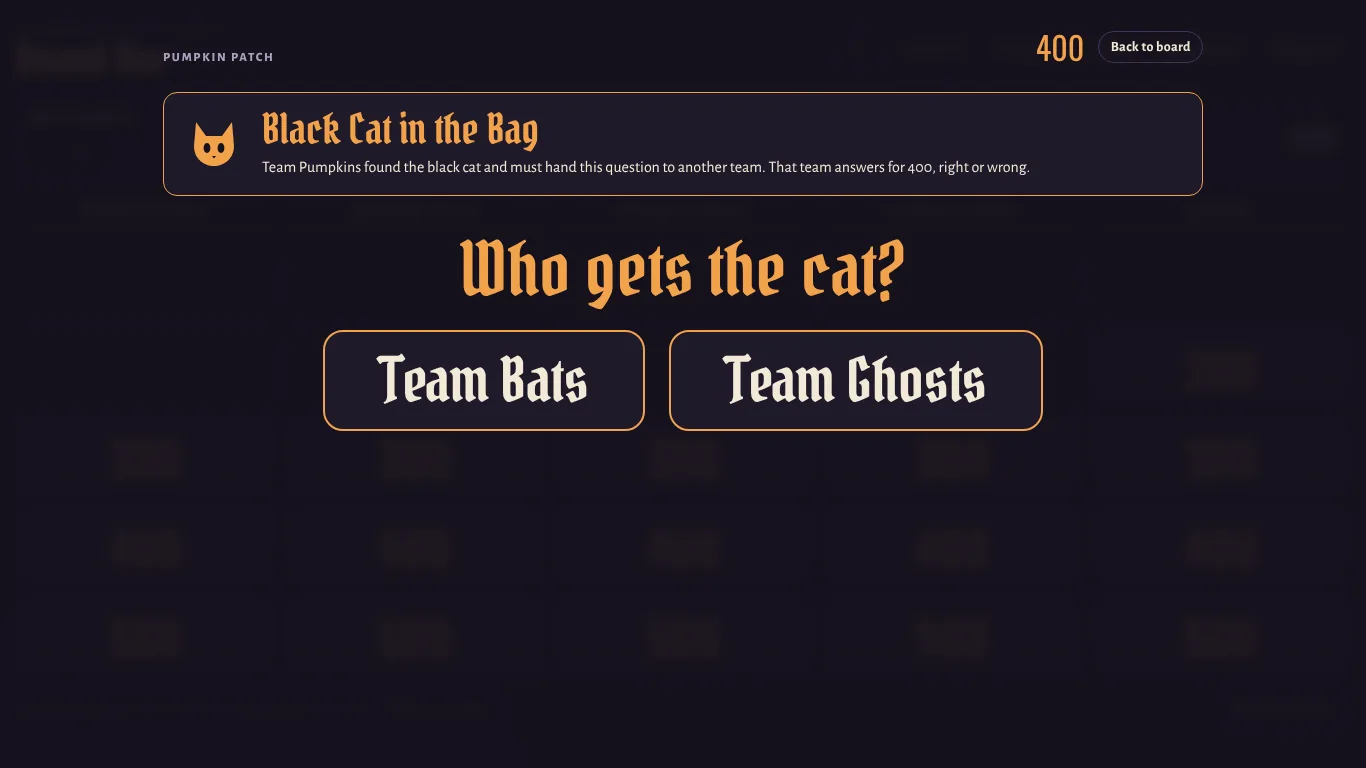
- Black Cat in the Bag. Two cells on each board hide a black cat. The team that finds it must give the question to another team.
- Deal with the Witch. One cell on each board belongs to the witch. Two magic wands pick a random price and the team that must answer.
- Round Two. New categories, and every value doubles: 200 to 1,000 points.
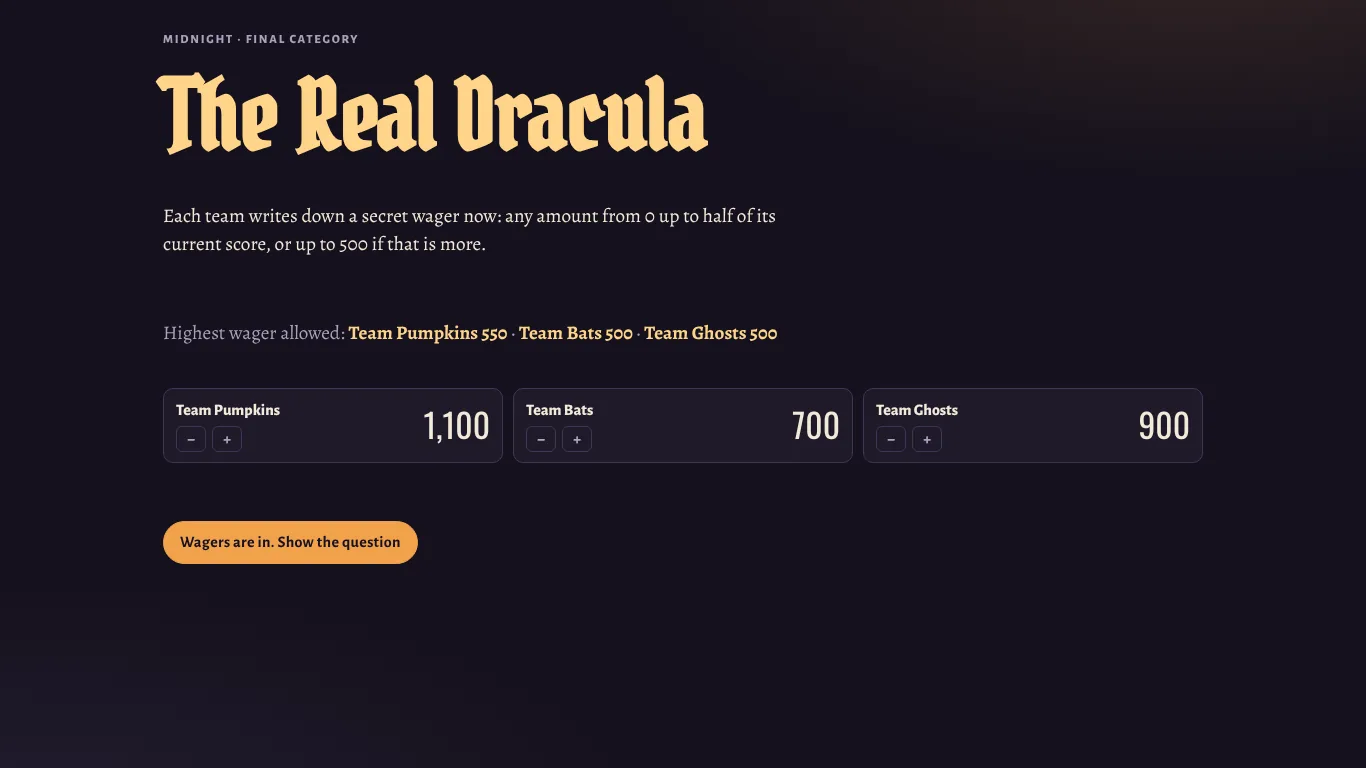
- Midnight. The final round. Teams see only the category, secretly wager up to half of their score (or up to 500 if that is more), then get 60 seconds to write down the answer.
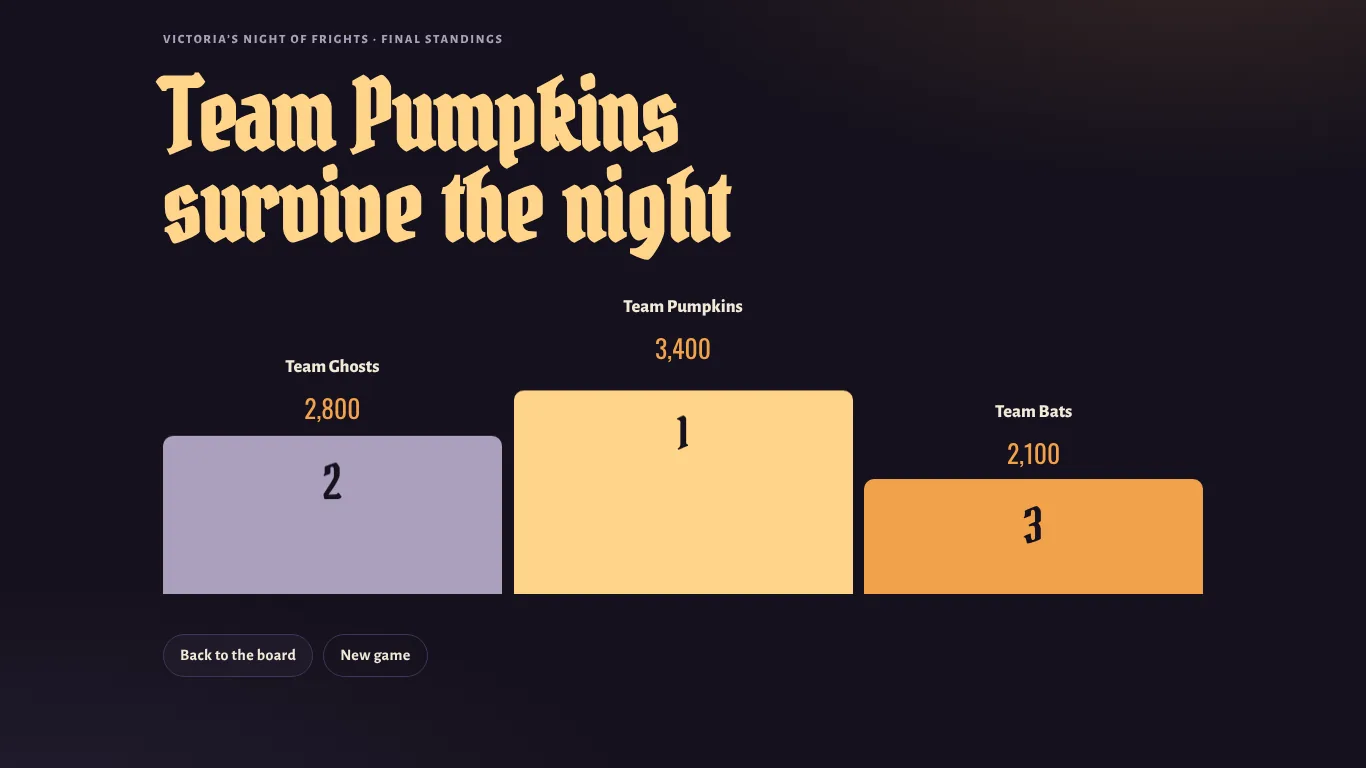
- The podium. The game adds up the scores and announces the winning team. If two teams tie for first, a tiebreaker decides: the closest number wins.
Make it about your office
The quickest way to make the game memorable is to swap in a few questions about your own workplace. Open Edit questions and replace any question, answer or explanation. Some ideas:
- In what year did the company open its first location?
- Whose desk has the most plants?
- Which song does the office play every Friday?
- What was served at last year’s holiday party?
Keep them friendly: questions everyone can laugh about, not at.
A one-hour timeline
You don’t have to open every cell. When time is short, move on to the next round with the button under the board.
| Time | What happens |
|---|---|
| 0–5 min | Welcome, teams sit together, the rules slides play. |
| 5–25 min | Round One: about 12–15 questions, including the first surprises. |
| 25–30 min | Short break for snacks. Remote players stay on the call. |
| 30–50 min | Round Two: double points, so the scores can still turn around. |
| 50–56 min | Midnight: secret wagers, the final question, 60 seconds to answer. |
| 56–60 min | Podium, prizes and a group photo. |
Prize ideas under $25
- A trick-or-treat bucket filled with full-size chocolate bars for the winning team.
- Coffee gift cards, one per player on the winning team.
- A trophy: a plastic skull or a small pumpkin painted gold, passed on to next year’s winners.
- Bragging rights: the winning team picks the next team lunch spot.
- Small extra prizes for the best team name or the bravest wager.
Common problems and quick fixes
- Remote players can’t hear the narrator. Stop sharing and share again with computer sound turned on.
- A team argues with an answer. The host has the last word. The explanation under each answer usually settles it.
- Points went to the wrong team. Press Undo, or fix a score with the + and − buttons on the team’s card.
- One team is far behind. Let it play out: doubled values in Round Two, the witch and the Midnight wagers can still change the result.
- Two teams tie. The game offers a tiebreaker question where the closest number wins.
- The room is too loud for the timer. Turn up the speakers or name a timekeeper who calls “time!”.
Your game night is ready
Everything above is built into the game: rules slides, the narrator, the timer, scores and the podium. Open it, name your teams and press Start.